Can I Switch Drive Modes While Driving for Beginners
As an Amazon Associate we earn from qualifying purchases. Guides are for general information; always check your owner's manual and consult a qualified mechanic when unsure.
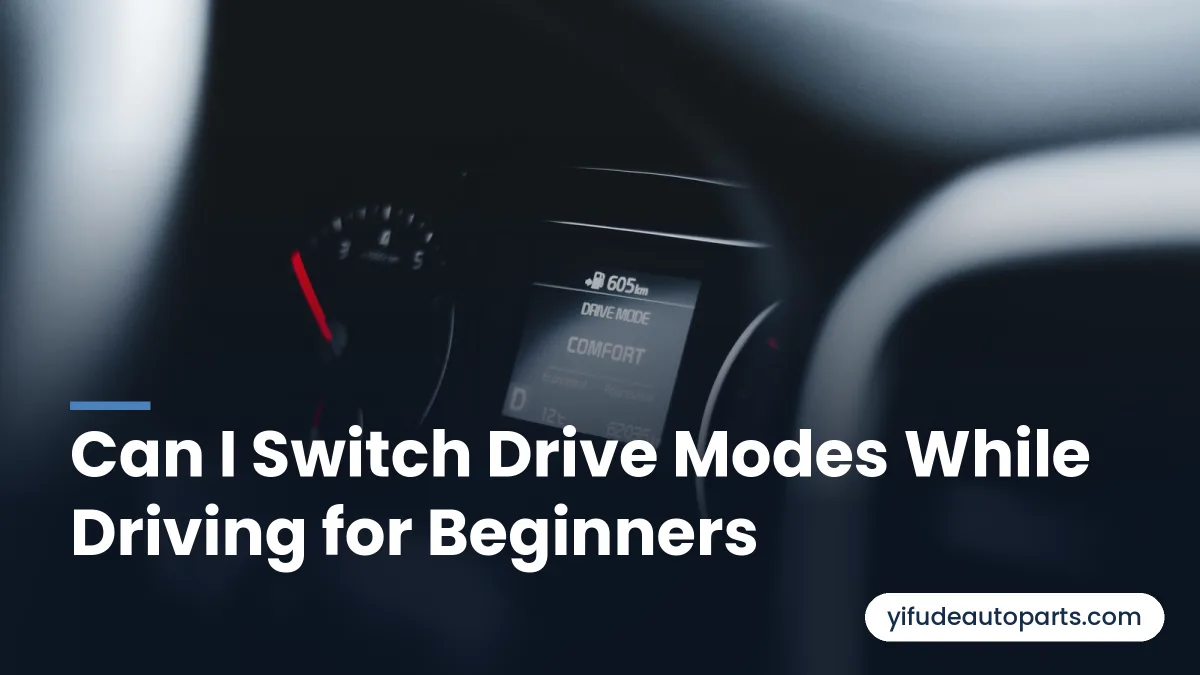
You press a button on the dash. When it comes to Can I Switch Drive Modes. Meanwhile, driving, having steady, tested guidance makes all the difference. The screen changes. But is it safe to switch mid-drive? The short answer is: it depends on your car and your speed.
Some modern trucks and SUVs let you flip modes at speed. Others need you to stop first. The system design dictates the rules. Always follow official safety and maintenance guidelines for best results.
You must know your specific vehicle.
Can I Switch Drive Modes While Driving safely? You need to read the road and the dash warnings. A flashing check-engine light means stop. A solid mode light means proceed with care.
How Electronic Drive Mode Systems Interpret Driver Intent
Modern cars use a Drive Mode Selector. You twist a dial or push a button. The car’s brain reads your choice instantly. It then changes throttle maps and shift points.
The Electronic Control Unit (ECU) takes the input. It talks to the Transmission Control Module (TCM). Together they adjust shift firmness and torque delivery. This all happens in milliseconds. For complementary picks and expert testing advice, see our guide on Can I Drive Without a Fog Light? For Beginners.
- Throttle Mapping: The ECU changes how much fuel flows when you press the gas pedal after you pick a new mode.
- Shift Points: The TCM holds gears longer in Sport or drops them faster in Snow to keep wheels from spinning.
- Steering Feel: Some cars also change steering weight when you switch modes. This makes the wheel heavier in Sport.
- Suspension Settings: Adaptive air or magnetic rides may stiffen or soften based on the mode you select at the push of a button.
Can I Switch Drive Modes While Driving without confusing the car’s computers? Yes, but you must follow the system’s logic. The car reads your speed and brake input. It will reject a mode change if conditions are unsafe.
Transmission and Drivetrain Responses to Real-Time Mode Changes
Your transmission feels the change first. A torque converter locks or unlocks. In a Dual-Clutch Transmission (DCT), clutches swap engagement fast. A Nonstop Variable Transmission (CVT) changes its belt ratios on the fly.
The drivetrain also reacts. An All-Wheel Drive (AWD) transfer case may split torque front-to-rear. A 4WD system may shift between High Range (4H) and Low Range (4L). These actions protect the gears and axles.
- Torque Converter: It unlocks in Eco or Snow modes to smooth out shifts. Cut engine drag at cruise speeds.
- Clutch Pack: In a DCT, one clutch disengages while the other engages. A bad switch at high speed can cause a harsh jolt.
- Transfer Case: AWD systems vary torque split. Some send 100 percent to the rear wheels in Sport for better acceleration grip.
- 4L Engagement: You must be at a crawl or stopped to engage 4 Low. Doing it at speed can break the transfer case.
Can I Switch Drive Modes While Driving without causing damage? You must respect the speed and RPM limits. Shifting into 4L on dry pavement at speed destroys parts. Always come to a full stop first for low-range gears.
Vehicle-Specific Protocols by Drivetrain Architecture
Different drivetrains handle mode shifts in distinct ways. Front-wheel drive cars often allow changes at speed. Rear-wheel drive trucks may need a stop. All-wheel drive systems use smart computers. Each setup has its own rules.
Your owner’s manual lists the exact steps. Ignoring those steps can harm parts. It can also trigger warning lights. Always check before you shift. The system will tell you what is safe.
- Front-Wheel Drive: Most FWD cars let you switch modes while moving. The system adjusts throttle and power split. You can move between Eco and Sport easily. Some models need a brief pause first.
- Rear-Wheel Drive: RWD trucks often require a full stop. The transfer case needs time to engage. Shifting on the fly can damage gears. Wait for the truck to fully pause.
- All-Wheel Drive: AWD systems use an electronic transfer case. The computer splits torque front to rear. You can often switch between modes at speed. The system manages the change smoothly.
- Four-Wheel Low: 4L mode demands a complete stop. You must be below a set speed. Some systems need the brake pressed. Never switch to 4L at high speed.
Failure Modes and Warning Signs When Switching Is Not Allowed
When a system blocks the shift, it protects you. A warning light on the dash is the first sign. The message may say “Drive Mode Not Available.” This means the computer has locked the change.
You might feel the engine surge. The transmission could shift harshly or slip. Some cars go into a limp mode. This limits speed to save the drivetrain.
- Limp Home Mode: The car limits power to protect itself. You can only drive at low speeds. Get to a safe spot or shop fast. This mode triggers after a bad shift.
- Torque Interruption: The drivetrain may cut power briefly. You will feel a jolt or pause. This happens if the system fights the change. It is a safety feature, not a bug.
- Shift Interlock Error: The shifter will not move. A light on the dash stays on. This means the system says no to the switch. Check your speed and brake first.
- Throttle Lag: The pedal feels slow or flat. The computer is managing power carefully. It will not give full response yet. Wait for the mode to fully engage.
Best Practices for Safe Drive Mode Transitions on the Road
Safe shifting starts with knowing your car. You should understand what each mode does. Read the manual section on drive modes. Know the limits of your specific model.
Always make smooth, deliberate changes. Do not yank the dial or switch while speeding. Ease off the gas first. Then make the shift. Give the system a moment to respond.
- Check Speed First: Know the speed limits for your car. Some modes need you under 30 mph. Others require a full stop. The speed sensor guides the shift.
- Ease Off the Gas: Lighten your foot before switching. This tells the system you are ready. It reduces torque during the change. Smooth inputs mean smooth shifts.
- Watch the Dash: The cluster will show the new mode. Wait for the light or message. Do not assume the switch worked. Confirm the change fully landed.
- Practice in Safe Spots: Try new modes in empty lots. Test how the car feels at low speed. Learn the throttle response in each mode. This builds confidence for real roads.
Drive Mode Specs by Drivetrain Type
Common Questions About Switching Drive Modes
Can I Switch Drive Modes While Driving at Highway Speeds?
Most modern cars allow it. The electronic control unit manages the shift. It adjusts throttle and power split safely. Still, ease off the gas first. High-speed shifts can feel abrupt if you rush. For complementary picks and expert testing advice, see our guide on Can I Drive with Trac Off?.
What Happens If I Switch to 4l While Moving Fast?
- System Will Block: The system will block the shift.
- See a Warning: You may see a warning on the dash.
- Forcing It: Forcing it can damage the transfer case.
- Come To: Always come to a full stop first.
- This Protects: This protects your drivetrain from shock.
Does Switching Modes Drain the Battery Faster?
No, the draw is very small. The electronic control unit uses minimal power. The battery handles the shift easily. You will not notice any fuel or battery hit. The system runs in the background.
Can I Switch Modes in Automatic and Manual?
Yes, both systems support drive mode changes. Auto transmissions use the TCM to manage shifts. Manual transmissions let you pick the mode first. The car still handles the rest. Check your manual for exact steps.
Is It Safe to Switch Modes on Ice?
Yes, switching to Snow or Sand/Mud helps. The system changes throttle mapping for grip. It can reduce wheel spin on slick roads. Make the shift before you hit the ice. Smooth transitions keep you in control.
What to Do When the System Refuses a Mode Change
Sometimes the car says no. A message may flash on the dash. The shifter may not move. This can feel confusing. But it is a safety feature. The system is protecting the drivetrain.
- Check Your Speed: First, check your speed.
- Many Systems Block: Many systems block changes above a set limit.
- Slow Down: Slow down to a safe range.
- Then Try: Then try the switch again.
- If It Still: If it still fails, look for other clues.
A flashing check-engine light means stop. A steady amber light may allow caution. Read the specific message on the cluster. Each word gives you a hint. Write it down if you can.
Next, press the brake pedal firmly. Some systems need brake input to unlock the shifter. This is common in newer models. The brake signal tells the ECU you are in control. It resets the safety interlock.
If the message says “Mode Not Available,” the system is busy. It may be protecting the transmission from a fault. Let the car run for a few minutes. Sometimes the error clears on its own. If it does not, a scan tool can help. A mechanic can read the fault codes. This reveals the root cause fast.
Never force the shifter. Forcing it risks internal damage. You may hear a loud clunk. The system may go into limp mode. Limp mode limits your speed to about 25 mph. It keeps the car moving but protects the gears. Drive to a safe spot and stop.
How to Build a Personal Mode Switching Routine
Great drivers make mode changes feel natural. They do not think about the button. It becomes second nature. You can build this habit too.
- Start by Learning: Start by learning what each mode does.
- Read the Manual: Read the manual section on drive modes.
- Write Down: Write down the key differences.
- Keep the Notes: Keep the notes in the glove box.
- Review Them Until: Review them until they stick.
Practice in a safe, empty parking lot. Try switching from Eco to Sport. Feel how the throttle changes. Notice the shift firmness. Listen to the engine note. This builds a mental map of each mode. For complementary picks and expert testing advice, see our guide on Can I Drive with a Hybrid System Malfunction.
Next, practice on quiet roads. Find a long, empty stretch. Switch modes at low speed. Then try it at higher speed. Pay attention to the car’s response. Does it hesitate? Does it shift smoothly? Note any unusual feelings.
Make the switch part of your normal scan. Check the dash before you change lanes. Use a mode shift when road conditions change. For example, switch to Snow when you hit a slippery patch. Switch to Sport when you need quick passing power.
Over time, the routine becomes auto. You will not think about the process. You will just do it. This smooth, confident action keeps you safe. It also protects the car’s parts from wear.
| Drivetrain | Shift at Speed | Requires Stop | Max Safe Speed | Common Modes |
|---|---|---|---|---|
| Front-Wheel Drive | Yes | Rarely | 60 mph | Eco, Sport, Snow |
| Rear-Wheel Drive | No | Yes | 0 mph | Standard, Tow/Haul |
| All-Wheel Drive | Yes | Rarely | 45 mph | Auto, Lock, Sand/Mud |
| 4WD Low Range | No | Yes | 0 mph | 4H, 4L, Rock Crawl |
Final Thoughts and Next Steps
Knowing when to switch drive modes keeps you safe. It also protects your car’s expensive parts. You can make smart shifts when you follow the rules. Each drivetrain has its own limits and needs. Respect those limits and the system works well.
Always read your owner’s manual for your specific car. The manual has the exact speed and stop rules. Practice in safe, empty areas first. Build your confidence slowly. You will handle any road with ease. Can I Switch Drive Modes While Driving? Yes, when you do it the right way.